Speed scale walk animations in Godot dynamically
Run and walk animations have a natural movement speed at which they look good. For example, this manequin’s Walk animation fits perfectly to the speed of 1 m/s. You can judge the appropriate speed of an animation by the fact that the feet don’t slide on the ground at all.
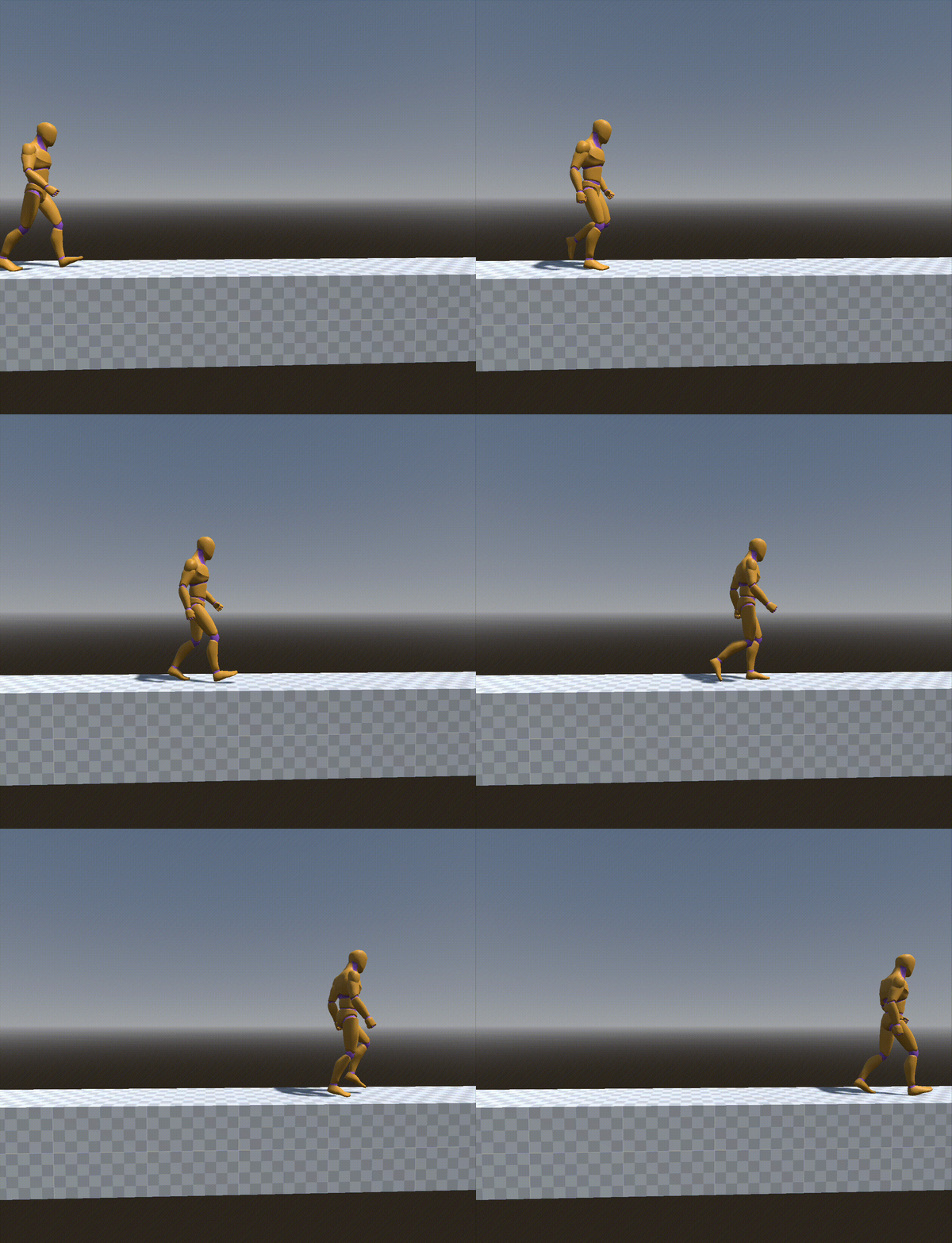
That’s cool, but 1 m/s is kinda slow. If you want to move faster, you have to speed up the animation! This can be done by adjusting AnimationPlayer’s speed_scale, or with AnimationNodeTimeScale if you’re using AnimationTrees.
Let’s establish some variables that you probably already have on your character controller:
speed- the immediate movement speed. In Godot that would most likely bevelocity.length()max_walk_speed- if your character speeds up and slows down, this is his target walk speed.walk_reference_speed- the 1 m/s I talked about. You probably have to guesstimate this number by looking at the character’s drifting feet for a while.
The main bit of magic for dynamic animation speedup is the remap function.
var speed_scale := remap(
	speed,
	walk_reference_speed, max_walk_speed,
	1.0, max_walk_speed / walk_reference_speed
)
Assign the speed scale to your animation player and you’re done! You can confidently tweak your player’s speed and know that the animation will look OK.
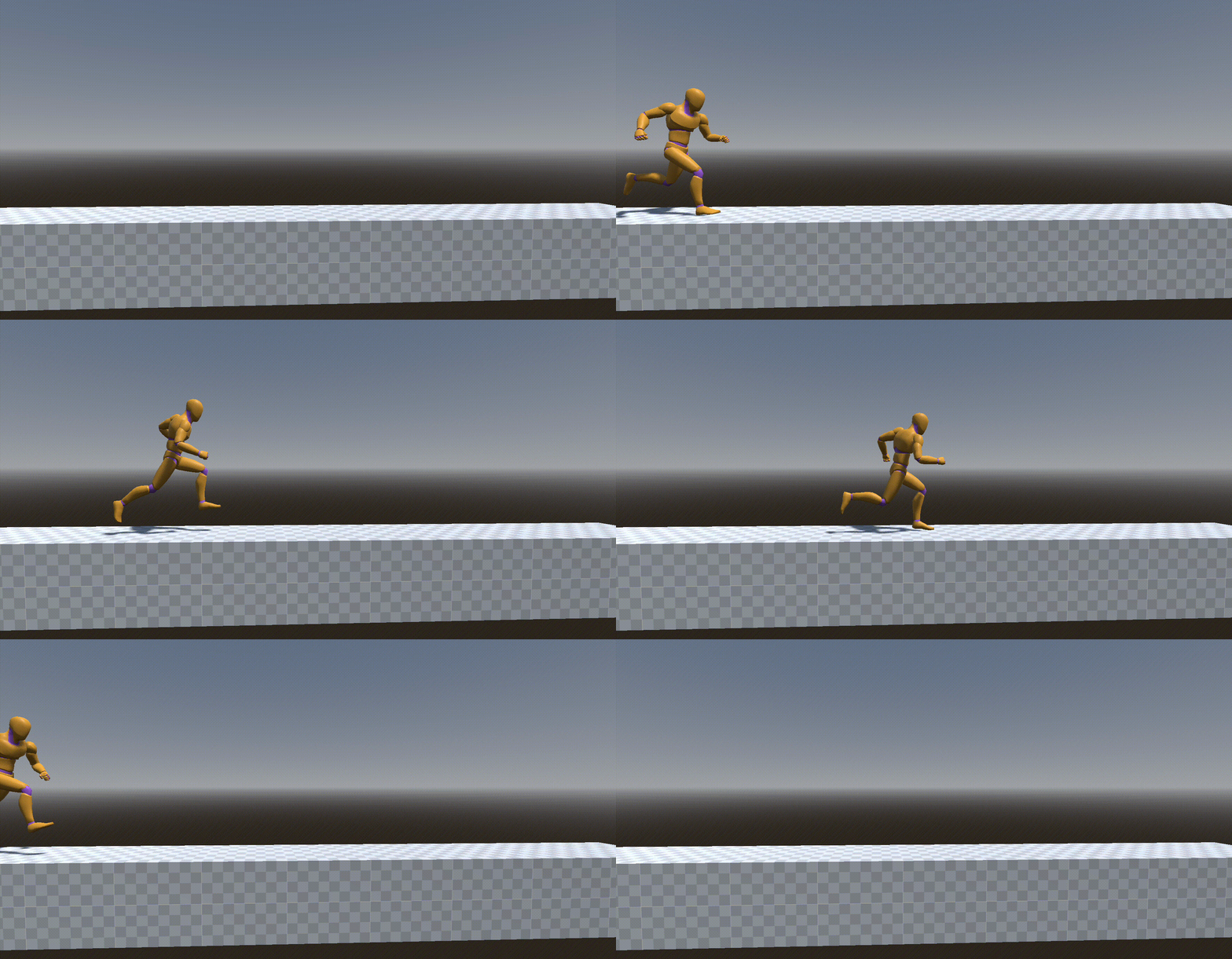
One more showcase. Here is a “Jog_Fwd” animation, that has a reference speed of 6 m/s. In the beginning, it’s the guy is moving at 2 m/s and then speeding up to 6 m/s. It’s the same animation at different speeds, but the feet don’t drift at all!